
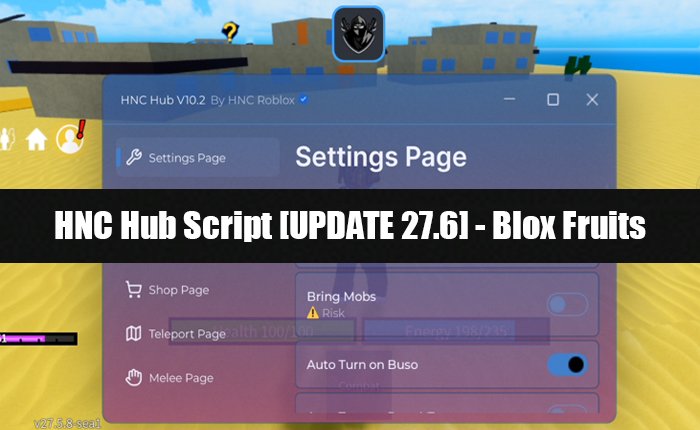
Are you looking for the HNC Hub Script? If your answer is YES, then you are in the right place.
In this guide, we will provide you with the latest version of the HNC Hub Script that helps you unlock new features in the Blox Fruits game.
As you already know, developers of the Blox Fruits game recently released a new UPDATE 27.6, which stopped other scripts from working.
Unlike these older scripts, the HNC Hub Script will work perfectly fine with this new Blox Fruits update and provides additional features so that players progress faster in the game and enjoy their gameplay.
If you are also into exploiting the game and unlocking new features, then you should try using the HNC Hub script.
To make it easier for our readers, we have mentioned the HNC Hub Script in this guide. To use this script, all you need to do is copy it and paste it into the executor to inject it into the Blox Fruits game.
So, without any further ado, let’s see:
HNC Hub Script (October 2025)
Below, we have mentioned the HNC Hub Script that you can inject using any supported Roblox executor, and it will unlock additional features.
These new features will help you automate various processes in the game and progress faster without any need for grinding for hours.
Here is the HNC Hub Script that you can copy and use:
getgenv().team = “Marines” — Pirates (Hải Tặc) hoặc Marines (Hải Quân)
repeat task.wait() until game:IsLoaded() and game.Players.LocalPlayer:FindFirstChild(“DataLoaded”)
game.ReplicatedStorage:WaitForChild(“Remotes”).CommF_:InvokeServer(“SetTeam”, getgenv().team)
loadstring(game:HttpGet(“https://raw.githubusercontent.com/hnc-roblox/HNCHubOnTop/refs/heads/main/HNC_Roblox.lua”))()
If you want to get more Blox Fruits Script, then make sure to visit our website.
Note: In this guide, we are just showcasing the HNC Hub Script for educational, research, and entertainment purposes. We don’t have any intention to promote exploiting and cheating in the game.
If you use the customised script, it will violate the terms and conditions of Roblox, which may ban your account. So, use any script at your own risk.
How to Use the HNC Hub Script in Blox Fruits?
If you are new and don’t know how to use scripts in the Blox Fruits game, then don’t worry.
You can easily inject and use the HNC Hub Script in the Blox Fruits game by following the steps mentioned below.
- First, download and install the Roblox Executor that supports the HNC Hub script.
- Once you install the executor, open it and keep it running in the background.
- Now, go to Roblox and search for the Blox Fruits game.
- Click on the Play button to launch it.
- Now, click on the Executor Icon shown on the screen.
- Copy the HNC Hub Script from our website.
- Then go to the Script section and paste the script.
- Once pasted, click on Execute or Inject.
- This will inject the script and show you the features window.
- That’s it.
For the HNC Hub Script tutorial, watch the following YouTube video:
FAQs (Frequently Asked Questions)
Is the HNC Hub Script Require Key?
No, the HNC Hub Script is a keyless script that does not require an execution key to work.
Where to Get the HNC Hub Script?
You can copy the HNC Hub Script from our website and use it to unlock new features in the Blox Fruits update 27.6.
How to Use the HNC Hub Script?
If you don’t know the steps to use the HNC Hub Script, then you can do it by following the steps mentioned in this guide.
2 thoughts on “HNC Hub Script [UPDATE 27.6] – Blox Fruits (October 2025)”